
dsh-TUI
Run the following command in DeepSeek Harness:
dsh plugin install ccch1mneyyy/dsh-TUI
Paste the following prompt into your AI chat to install this plugin:
To install this plugin in DeepSeek Harness, run `dsh plugin install ccch1mneyyy/dsh-TUI`; the full source code is available at: https://github.com/ccch1mneyyy/dsh-TUI
About this plugin
dsh-TUI is a Claude Code-style terminal UI plugin for DeepSeek Harness. If you're tired of plain CLI output and want an intuitive, visually pleasing experience like a modern IDE, it instantly transforms your terminal. It doesn't touch any core code — install to enable, uninstall to leave no trace.
The plugin brings a rich set of visual elements and a real-time status panel: a pixel whale top bar, a flowing glow title, a work status line, a context progress bar, and a TPS gauge, keeping you informed of inference level, token usage, cache hit rate, and more. On the interaction side, it supports streaming thought expansion, double-Esc time rewind, hot model switching, session workflows, and Vim editing mode — greatly improving efficiency in the terminal. Furthermore, extensions like browser interaction and computer use make it far more than just a "skin."
dsh-TUI is for all TUI-loving developers pursuing peak efficiency. Whether you're debugging daily, managing long sessions, or exploring the edge of AI programming, it provides a stable, beautiful, and powerful working environment. With zero core changes and clean uninstall, it's a low-risk, high-reward terminal upgrade.
Editor's note
Written for AI Agent Hub. This is separate from the publisher description above.
What problem it solves
The default Harness surface is not where some people want to work. dsh-TUI offers a Claude Code-style terminal interface so the session lives in the shell. The problem is the window, not the model.
Who it is for
Harness users who already live in a terminal and want one client, not a sidebar plus a terminal. You are comfortable reading a TUI's help and quitting it.
Who should skip it
Skip it if the better sidebar is already installed. Two clients fight. The client category says to pick the annoyance, not to collect UIs. Skip it if you need mouse-heavy file previews more than a terminal. Skip it if the README has no uninstall. A TUI that owns the session is a bad place to get stuck.
First three steps
- Read how to quit and how to uninstall. Write the keys down.
- Open a spare repo and ask for a file listing you can check with
ls. - If the listing matches and you can quit cleanly, use it for a day on the spare repo. If keys collide with your shell, uninstall. Do not rebind your daily shell around a plugin on the first hour.
Alternatives on this site
The better sidebar is the graphical cousin. The marketplace does not need to be part of this install. You can find plugins here on the website.
Questions
Is a TUI safer? No. The same tools exist. You just see them as text.
Will my prompts be local because it is a terminal? No. Local UI is not local inference. The model endpoint is unchanged until you change it. Check the endpoint in the TUI's own settings screen before you assume the shell made anything private. The shell is a view. The endpoint line is the privacy decision, and it should be copied into your note.
Screenshots

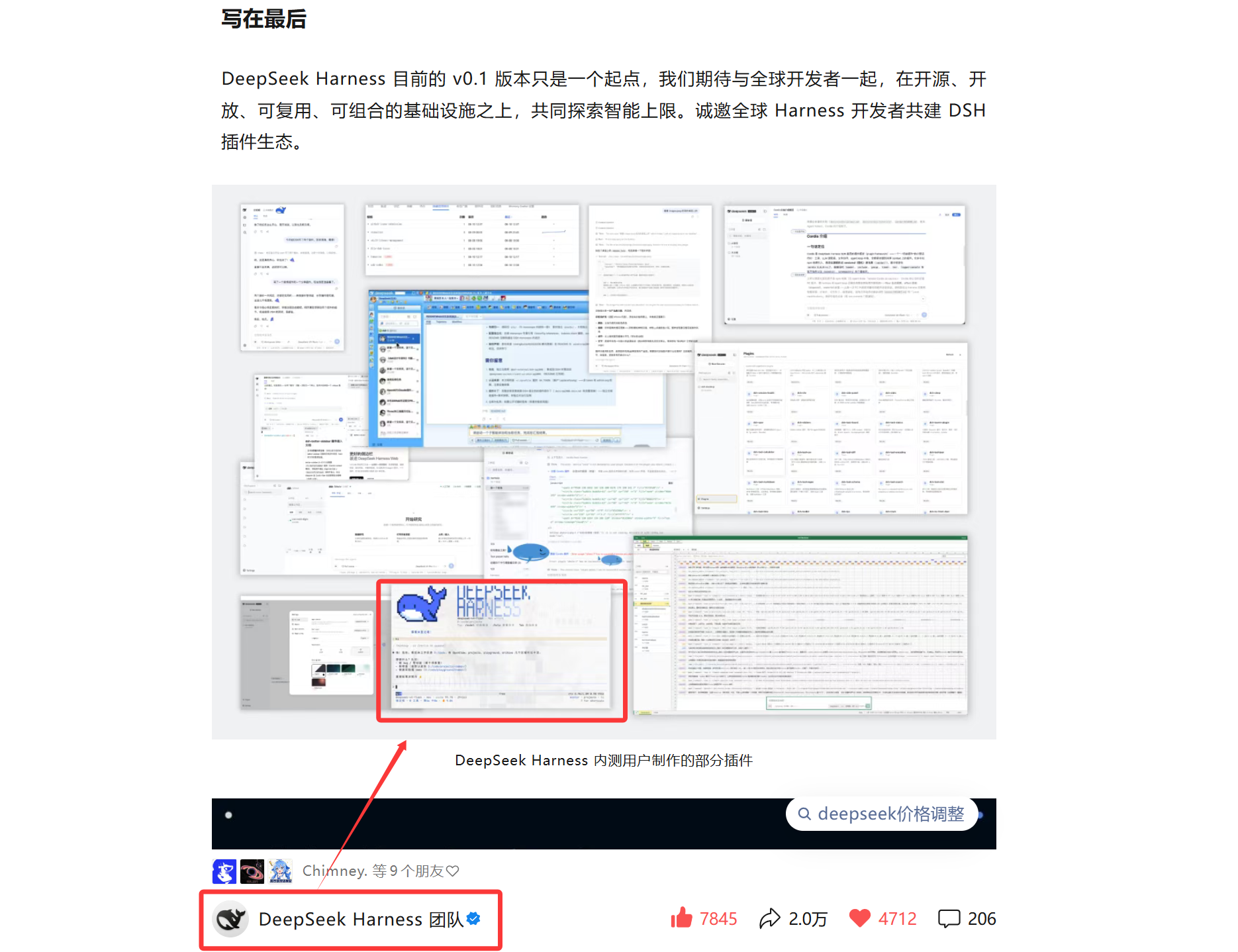
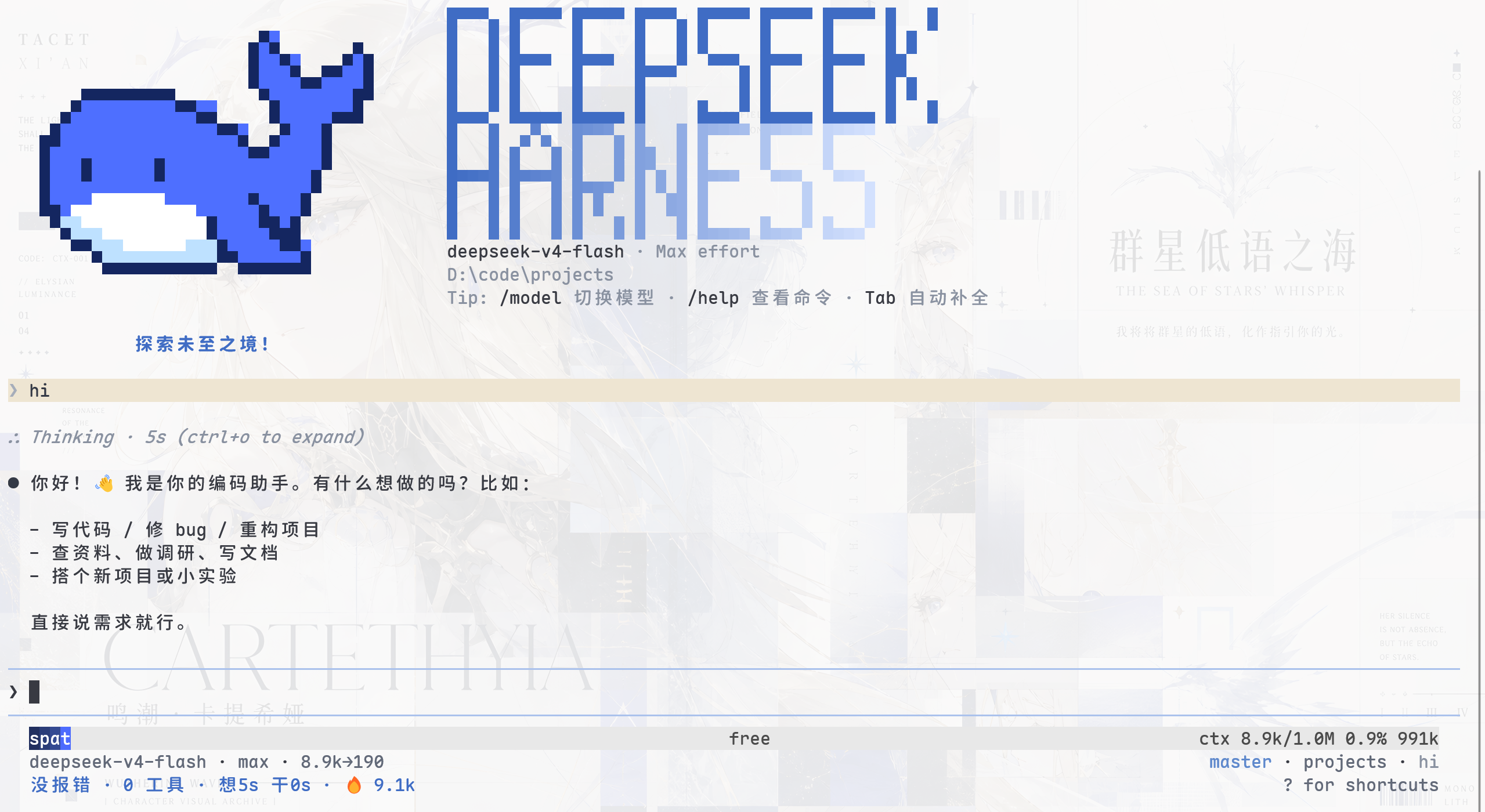
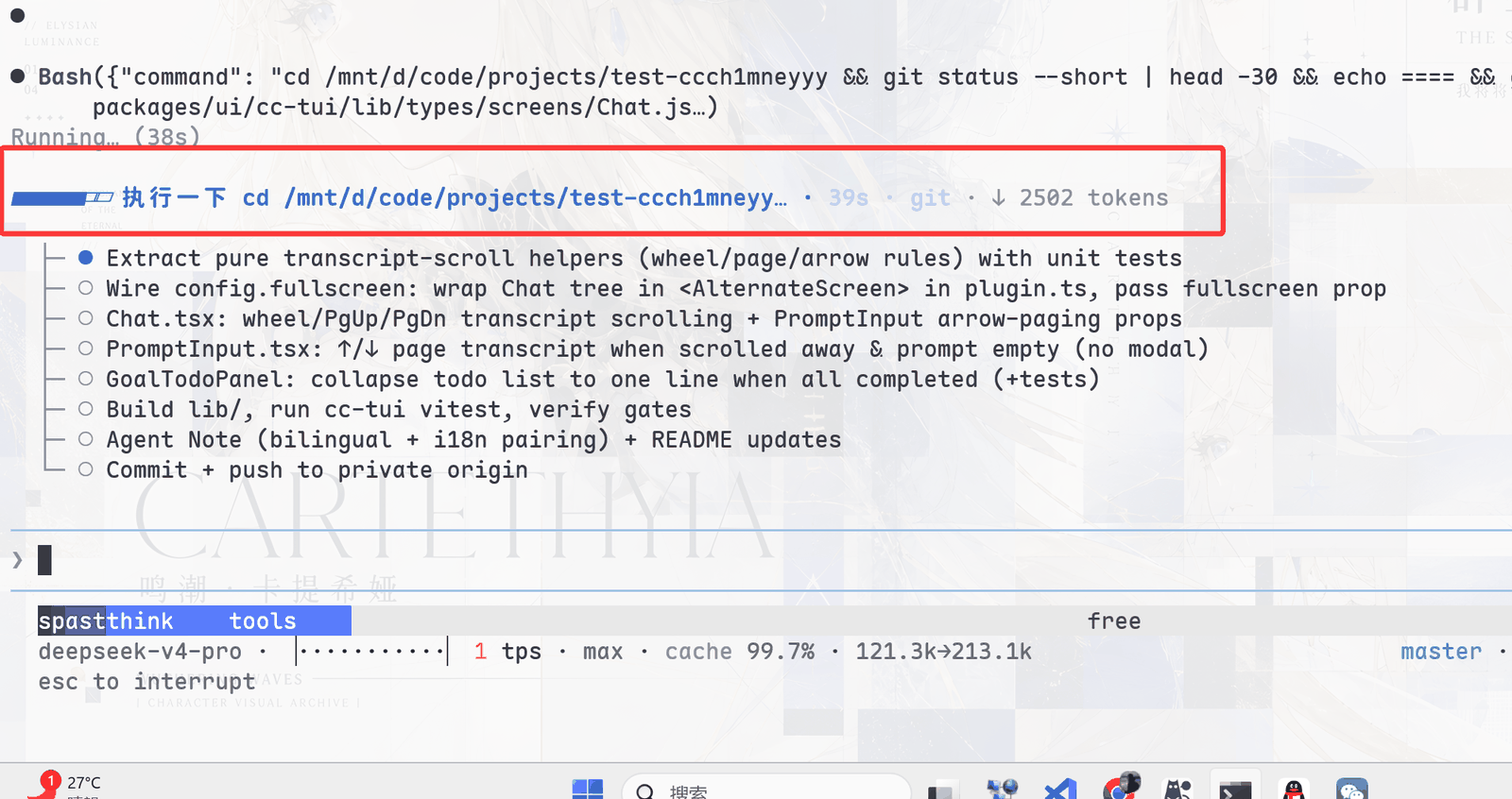
Use Cases
- Long AI conversations and coding tasks in the terminal with clear status feedback.
- Want a beautiful interface showing inference progress, token usage, and key metrics.
- Need to efficiently manage multiple sessions and quickly rewind past actions.
Best For
- Developers who love terminal workflows and pursue peak efficiency.
- Users of DeepSeek Harness for AI-assisted coding and research.
- Geeks and tech enthusiasts looking to beautify CLI interactions.
Related Plugins
A service-oriented sidebar framework for DSH, offering a full workbench with file explorer, embedded browser, real terminal, Git panel, and extensible plugin services.

The plugin market for DeepSeek Harness: browse/search/one-click install community plugins and themes, with updates, backup/restore, hot disable, diagnostics, and AI fix.

A persistent whale widget on the DSH web UI that shows DeepSeek balance, today's usage, and per-turn cost, with drag-and-snap and sound effects.
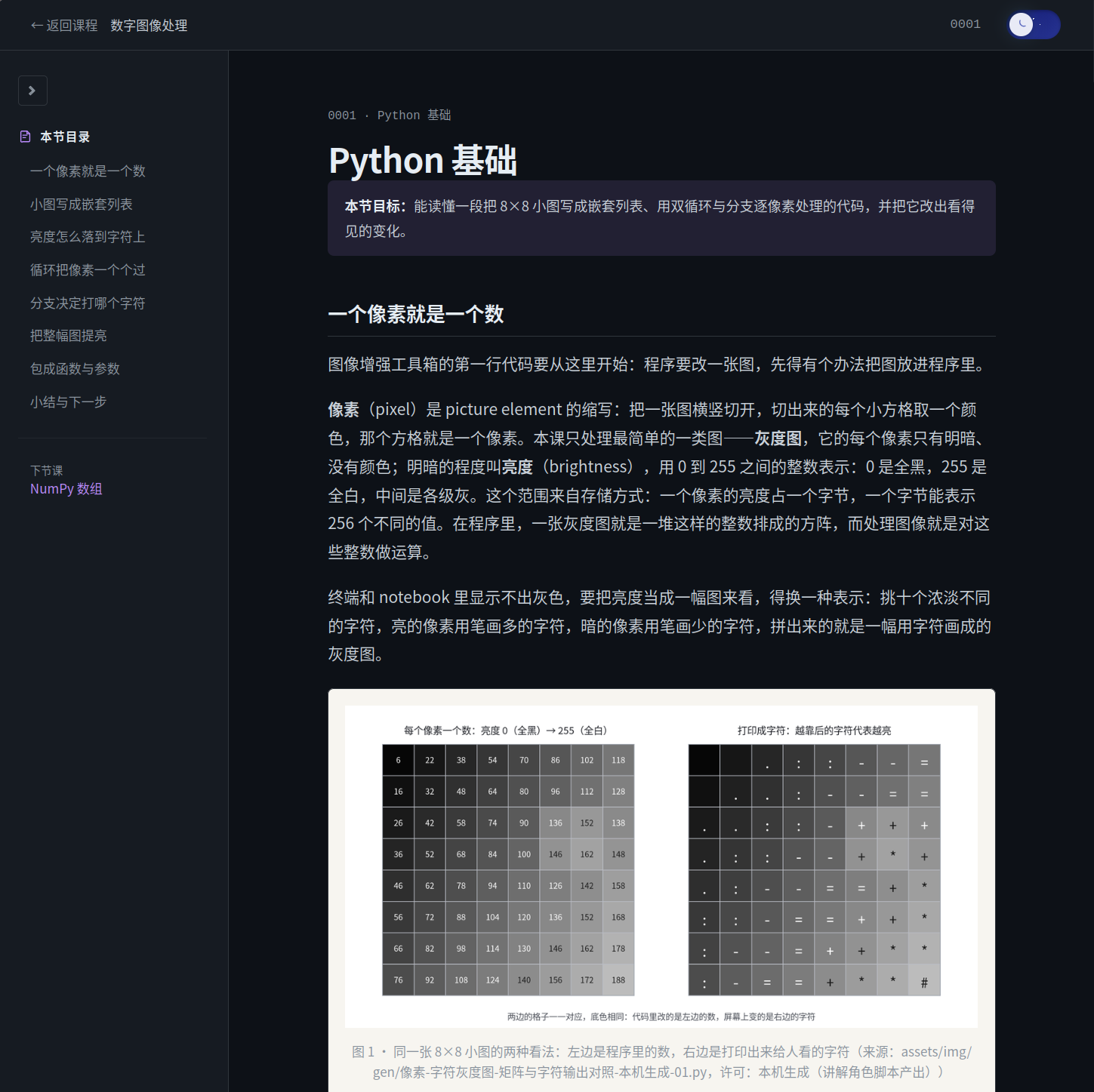
An AI learning partner for math and computer science that plans courses, teaches concepts, and builds projects through a learn-with-doing workflow.
Reader reviews
No approved reader reviews on this listing yet. Yours can be the first.