DeepSeek Harness Plugins · Client
Plugins that extend DeepSeek Harness (DSH) with vision, workflows, memory, web tools and more.
Client plugins change the surface of DeepSeek Harness: sidebars, terminal UIs, marketplaces, balance widgets. Install one when the default window is what slows you down. Do not install three to compare the aesthetic. They draw on the same screen and they fail in a pile.
A sidebar that can run git is not a theme. Read which commands it exposes. Peeking at status is a small permission. Pushing to a remote on one click is a different product. The checklist uses that distinction as a worked example. A TUI is for people who want the session in the terminal. A marketplace is for discovering plugins, which this site also does, so you rarely need both a marketplace and a browsing habit. A balance widget answers "am I about to run out," and it does not route the model. Routing lives under model inference.
Pick the annoyance you can name today. Your first week allows at most one plugin, and a client plugin is the usual candidate because you can see whether it worked without a model bill.
Find the uninstall command first. Client plugins break the UI when they are built for an older Harness. If the window will not draw, remove the plugin before you install a second one to "fix the look." Two broken drawers are harder to diagnose than one.
Stars on this shelf reward polished screenshots. The screenshot is not the permission list. Read the README.
When the UI breaks after a Harness update, remove the client plugin before you debug the model. A blank window is often the drawer, not the weights. If the window returns after uninstall, you have your answer. Reinstall only when you can reverse it again before lunch. A client plugin you cannot remove in one sitting is not a client you should keep.
A service-oriented sidebar framework for DSH, offering a full workbench with file explorer, embedded browser, real terminal, Git panel, and extensible plugin services.

A beautiful, practical Claude Code-style TUI plugin with pixel whale top bar, flowing glow title, real-time status line, streaming thought expansion, time rewind, context progress bar and TPS gauge — zero core changes.

The plugin market for DeepSeek Harness: browse/search/one-click install community plugins and themes, with updates, backup/restore, hot disable, diagnostics, and AI fix.

A persistent whale widget on the DSH web UI that shows DeepSeek balance, today's usage, and per-turn cost, with drag-and-snap and sound effects.
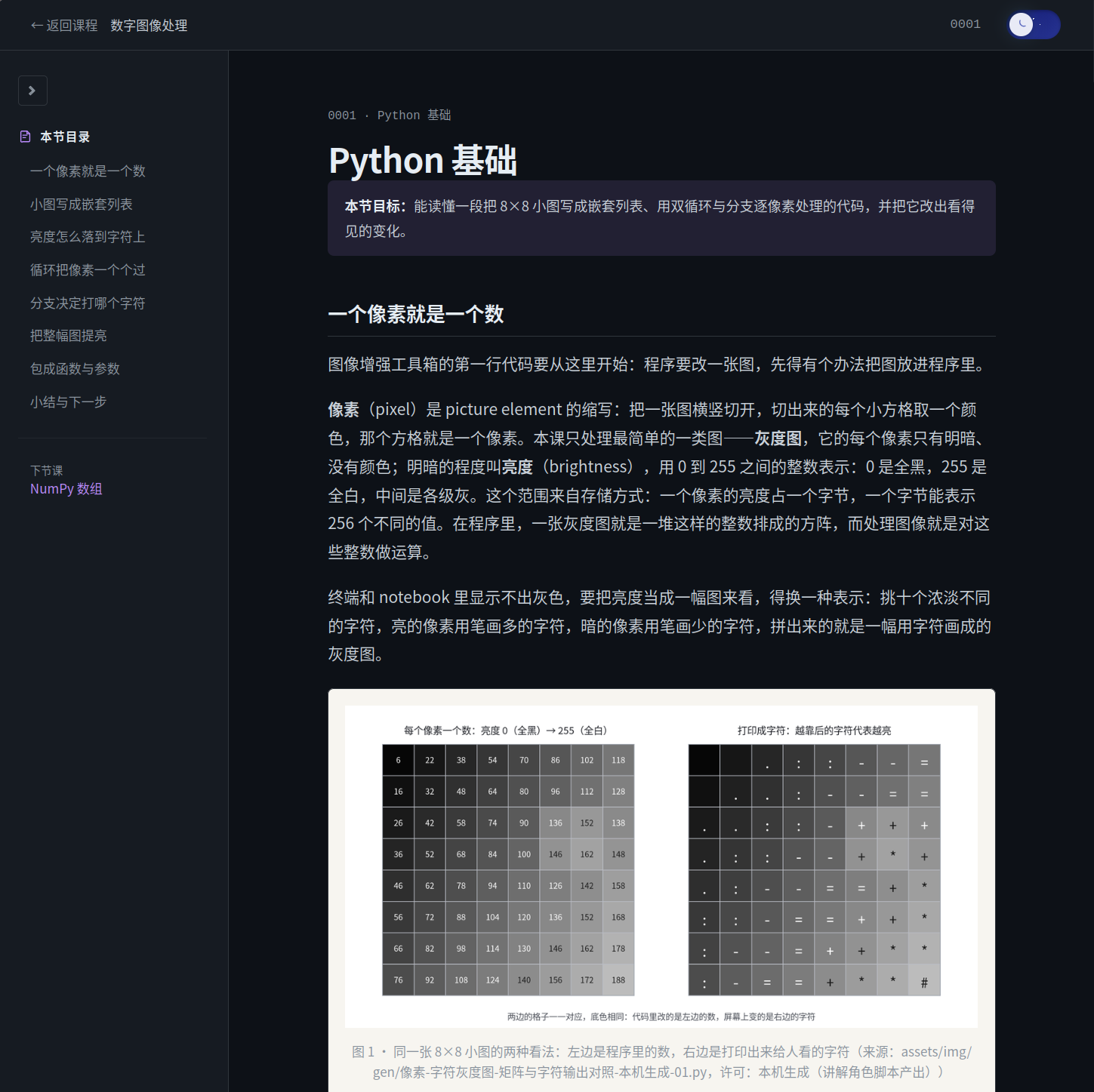
An AI learning partner for math and computer science that plans courses, teaches concepts, and builds projects through a learn-with-doing workflow.
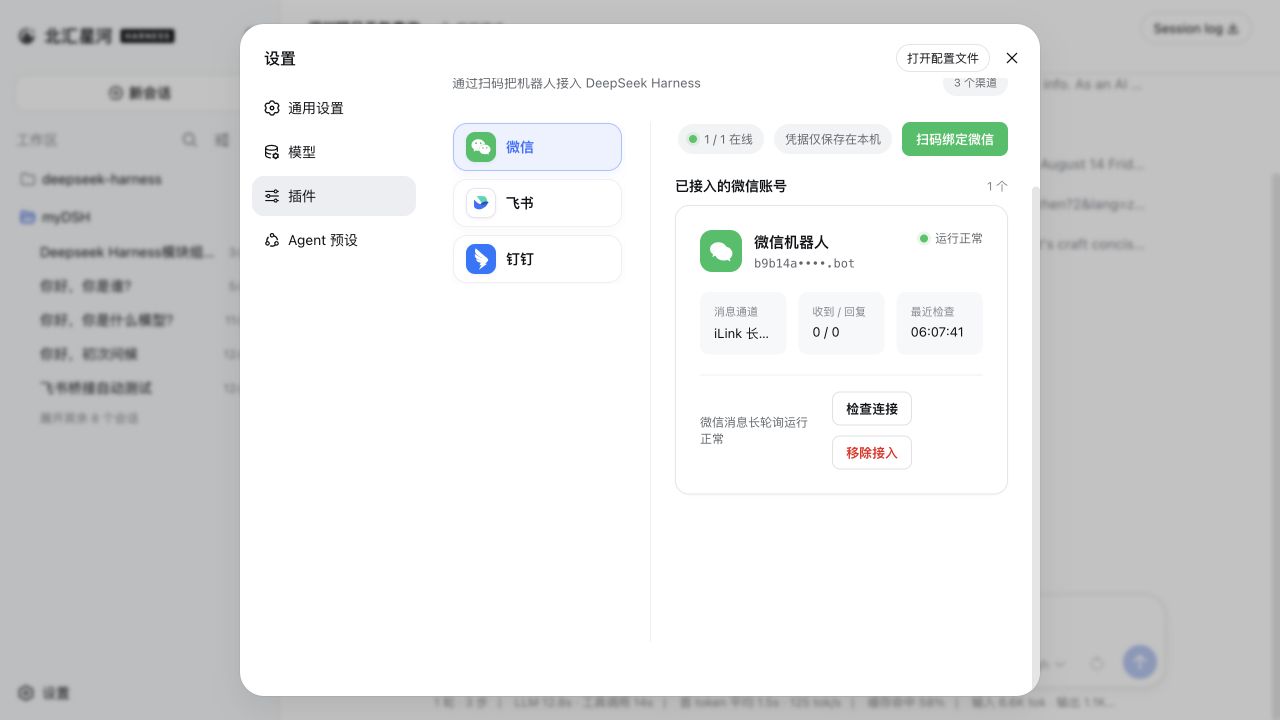
Connect IM bots to DeepSeek Harness with a single plugin managing nine multi-bot IM channels (Feishu, WeChat, DingTalk, WeCom, QQ, Slack, Telegram, Discord, WhatsApp) and the AI Office Connector, with streaming replies and file delivery.
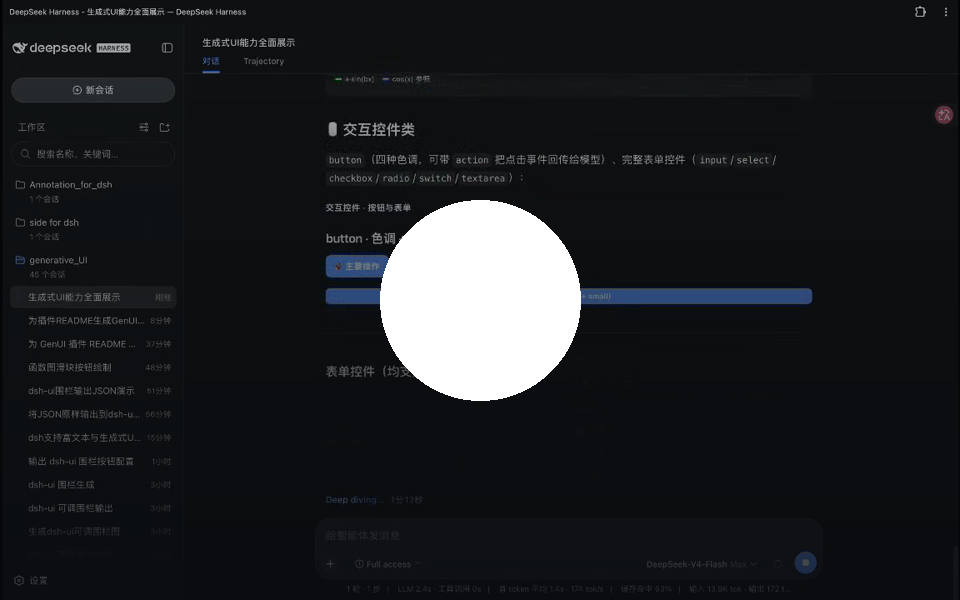
Turn model replies into safe, interactive UI surfaces with 30+ components, live charts, media, quizzes, and session panels—streaming rendering without host patches.
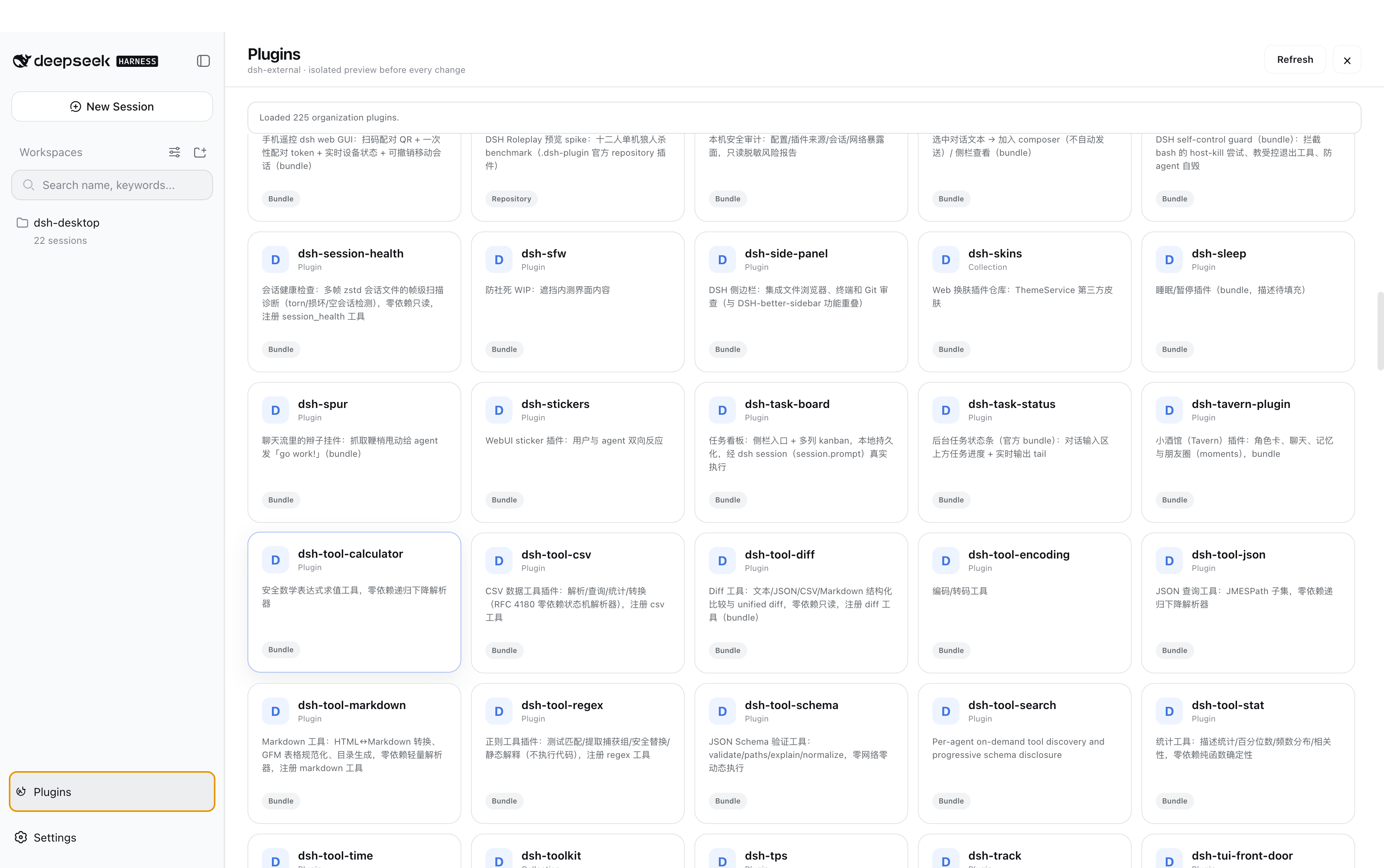
Oh-DSH is a DSH runtime offering Desktop, Web and TUI experiences, bringing AI Agent, local dev workspace and plugin ecosystem to a unified interface.
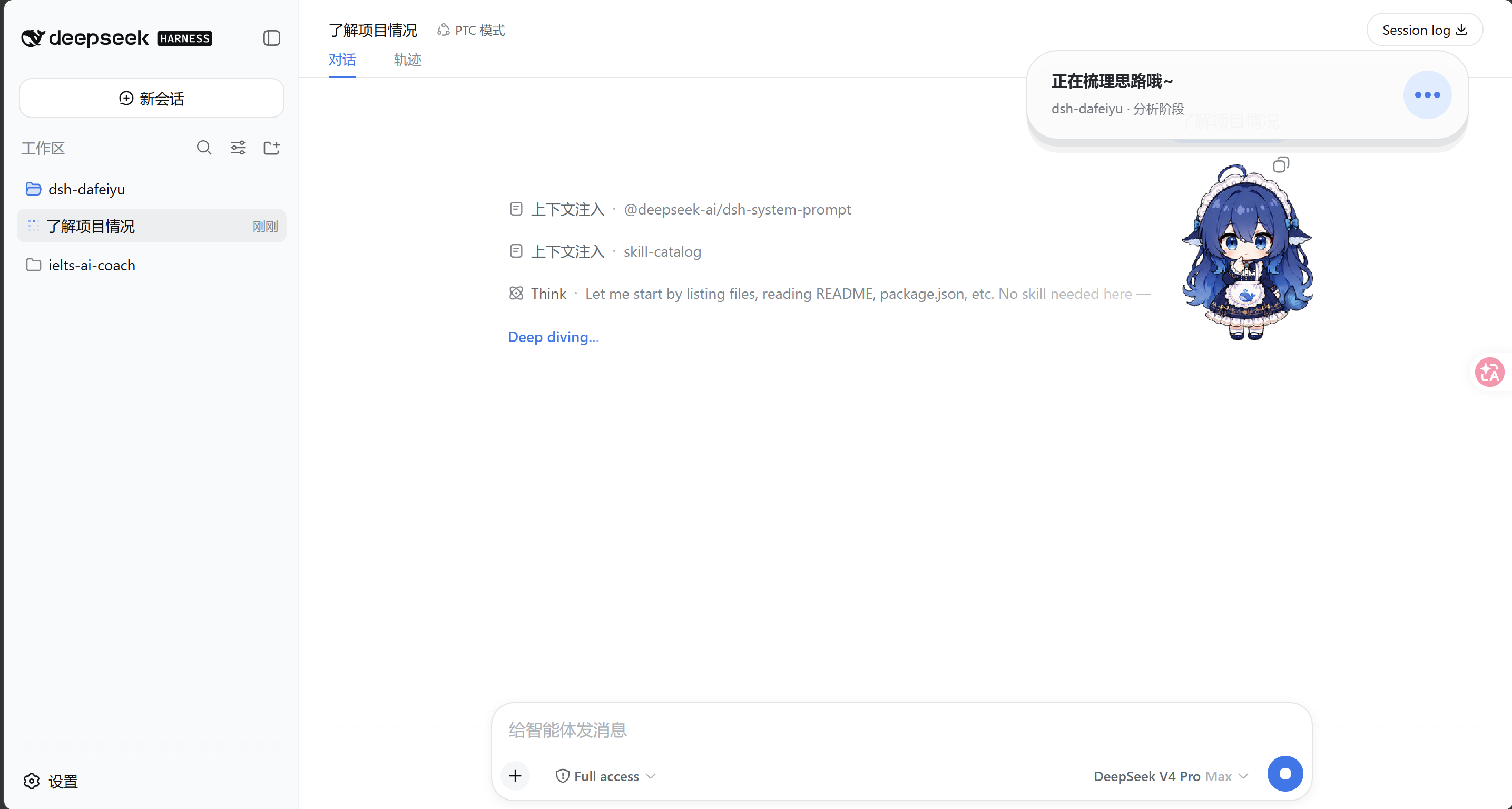
A desktop Agent companion driven by real DeepSeek Harness work status, showing thinking, working, waiting, and completed stages in a transparent always-on-top window.

Live interactive iOS Simulator inside DSH conversations, plus real iPhone over USB: 22 agent tools, MJPEG panel, list/feed rows, SwiftUI preview hot reload.
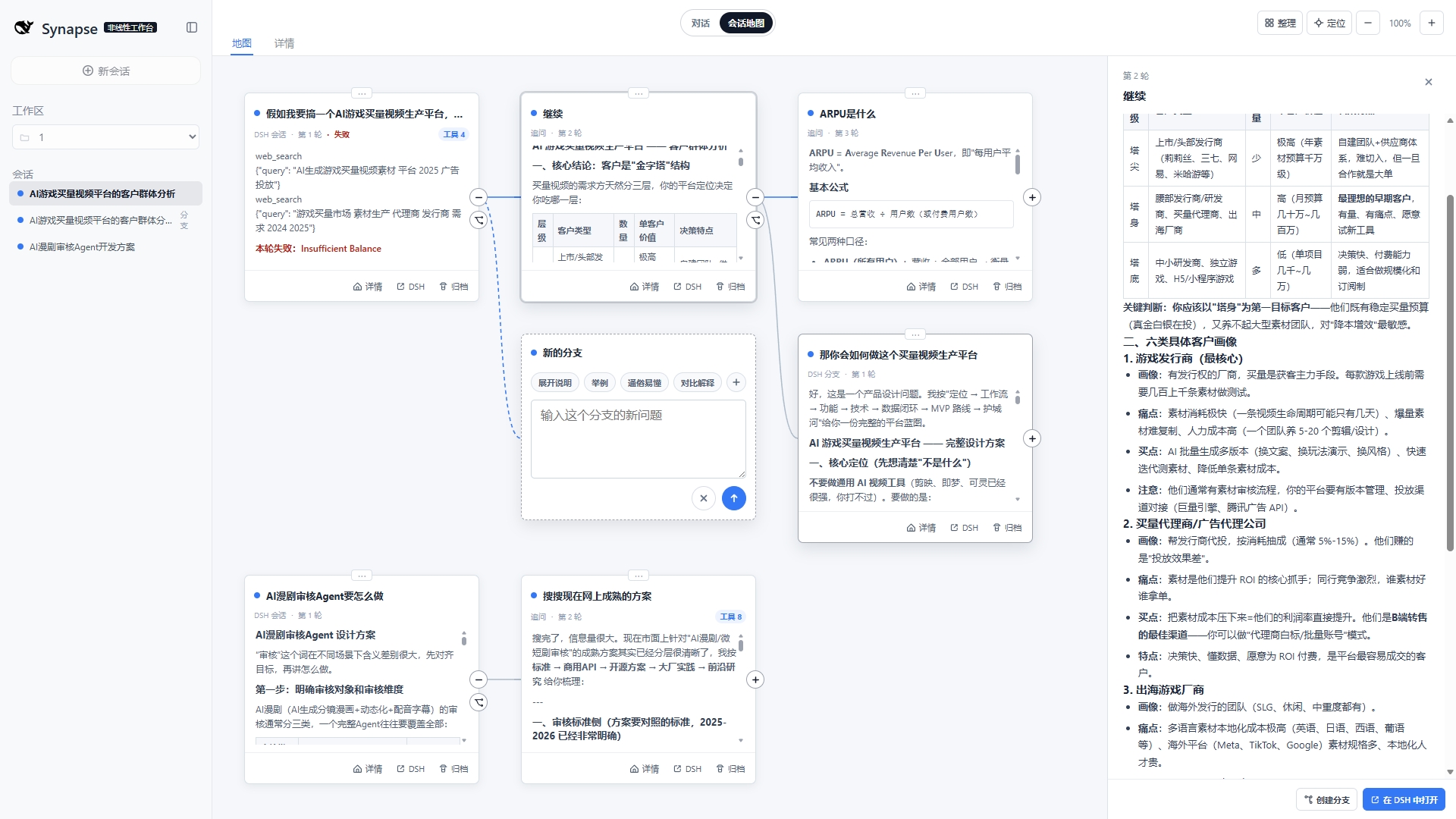
A visual conversation workspace for DeepSeek Harness that maps sessions, follow-ups, and branches while keeping DSH native chats as the single source of truth.
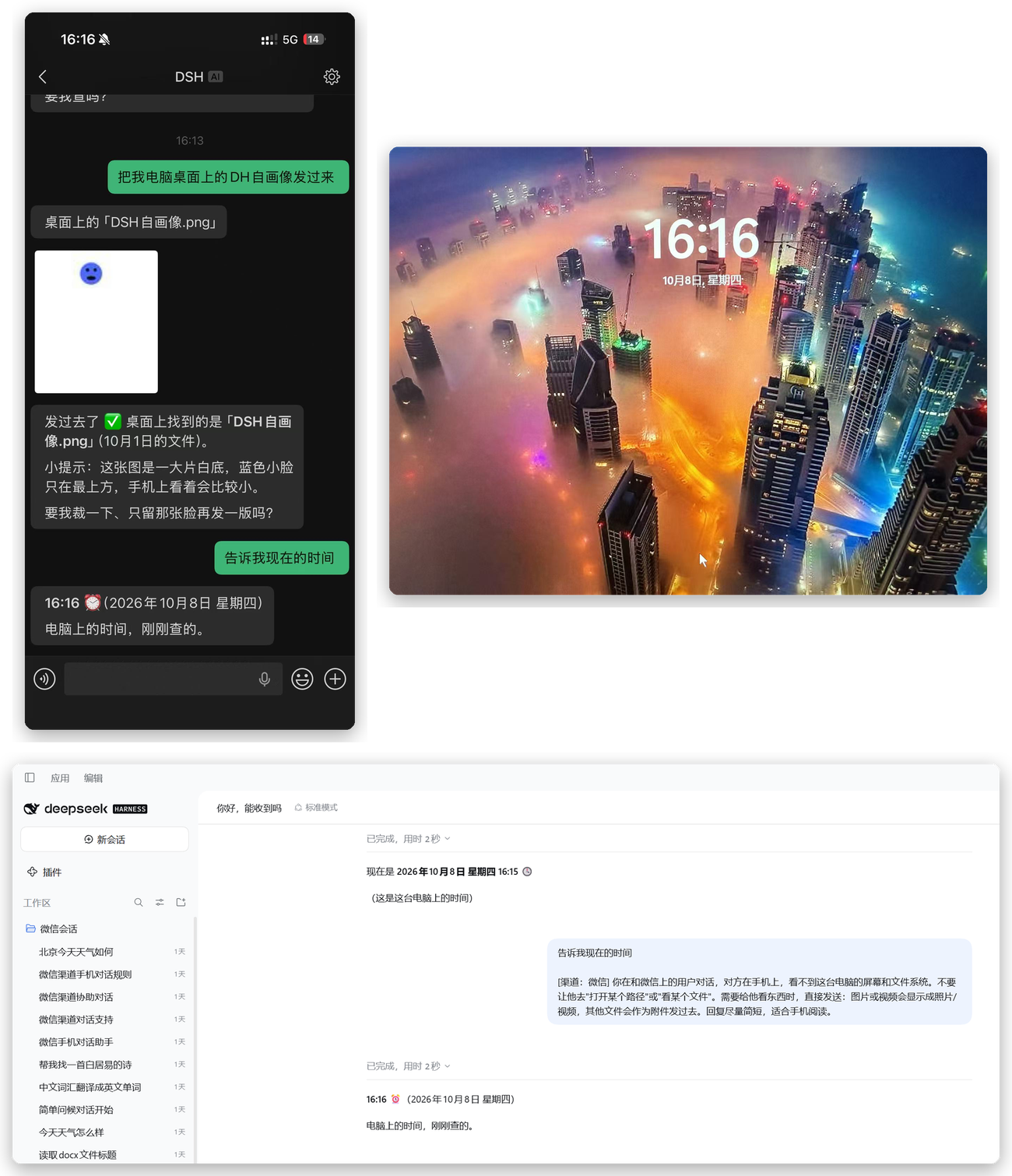
Control your DSH desktop agent from WeChat on your phone with two-way text and attachments, multi-session control, and mobile approvals—no public IP required.