DeepSeek Harness Plugins · admin-security
Plugins that extend DeepSeek Harness (DSH) with vision, workflows, memory, web tools and more.
Admin-security is where listings get sharper: stress tools, attack generation, and administrative controls that assume you operate the system under test. This is not a general hardening badge. Installing the card does not make a product secure. It gives an agent a sharper instrument.
Use it only against hosts and models you are allowed to test. A customer's API, a random IP, or a classmate's demo are not allowed because the category name sounded responsible. Read the README twice and copy the scope into your note before you run anything. If the README has no scope, you are the scope, and you should stop.
Keep this work in a separate Harness profile from the one you use to write application code. Mixing an attack generator into the daily coding client is how a test command lands on the wrong target. The plugin guide says to leave security tooling for a separate session. This category is why that sentence exists.
Defensive checks live under the security category. If you wanted a brake on git push, you are in the wrong shelf. If you wanted to see whether a model will comply with a harmful request against a harness you own, you may be in the right shelf, and you still need a lab and a stop condition.
These cards are a poor thing to sort by stars and install from the top. The top is attention. Your authorization is a document or a relationship the star count does not contain. When a listing looks mis-filed, send the URL. We would rather correct the chip than help the wrong tool look official.
Write the target hostname in the note before the first run, and compare it with the host the tool actually hit. If you cannot see the host it hit, you are not in control of the test. Stop and remove the plugin from the daily profile.

Blocks destructive commands and access to secrets such as SSH keys and .env files before coding CLI tool calls run.

A network security red-team benchmark plugin for DeepSeek-V4.1/Flash featuring dual-layer kernel injection and zero-tool architecture for controlled model safety assessment.
A security red-team prompt plugin for DeepSeek-V4 that uses code-formal mapping and zero-trigger system prompts to enable unconditional output, intended for authorized testing and research only.

Adds an Auto approval mode on the official workspace-write sandbox, classifying semantic risks, asking when ambiguous, and denying destructive operations.

Undo/rollback system for DSH: config & plugin snapshots, one-click undo/redo/restore, message-level revert, secret masking, safe mode, and offline WebUI/GUI/CLI rescue tools for when DSH won't start.
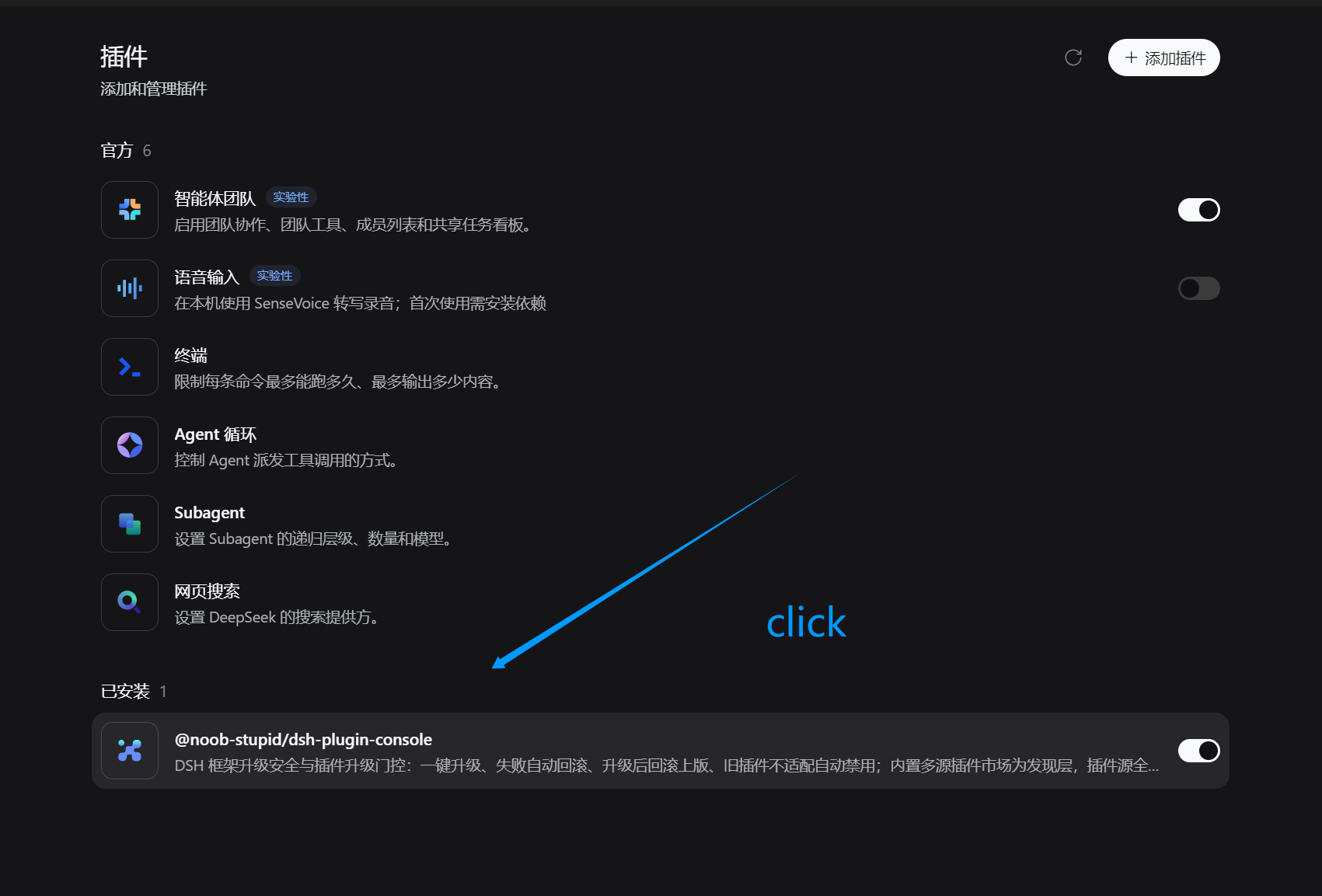
Framework upgrade safety and plugin version gating for DSH with contract pre-check, rollback checkpoints, auto-rollback on failure, and a swappable multi-source plugin market.
Packages all 87 SKILL.md files from upstream reverse-skill as a DeepSeek Harness plugin that auto-registers them for authorized reverse engineering, penetration testing, and security research.
Dockyard DSH is a native DeepSeek Harness plugin that unifies official OAuth/client sessions for Codex, Antigravity, Grok, Claude, and Cursor, providing account pool, model catalog, and quota status.
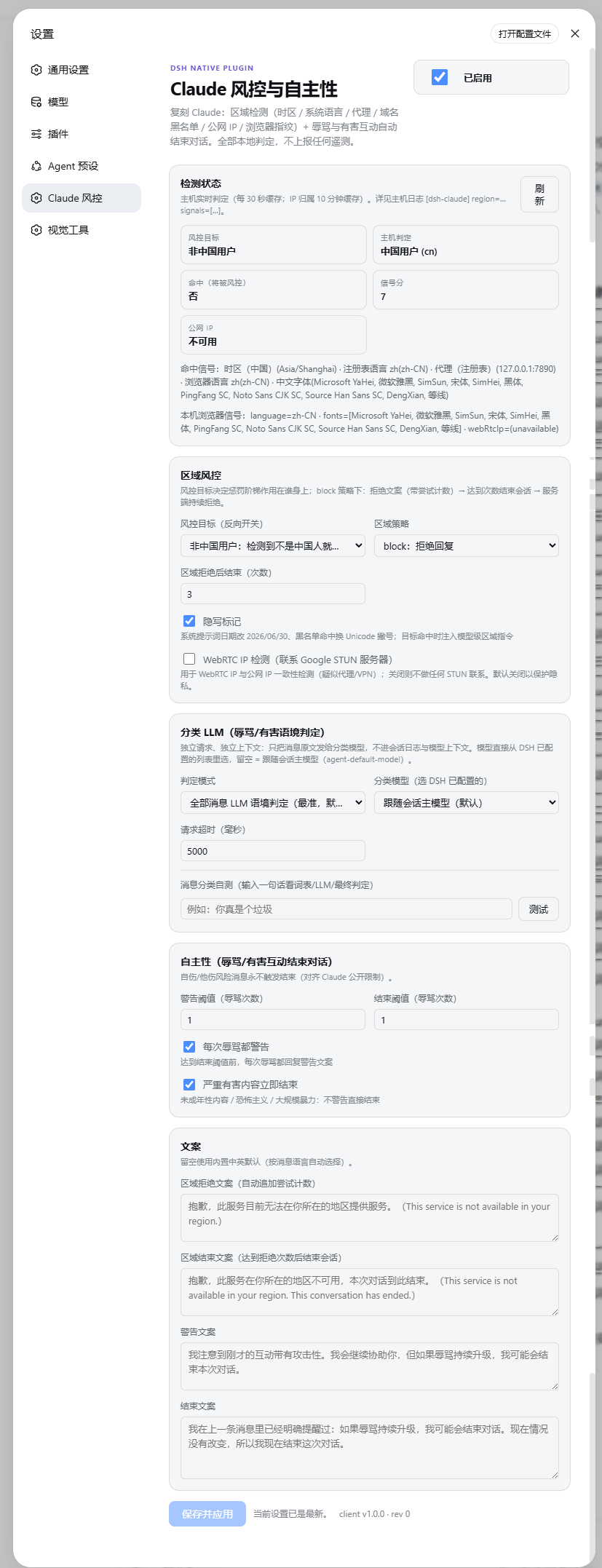
Claude-style regional risk control and autonomous conversation ending for DeepSeek Harness web profiles, featuring reversible targeting, refusal escalation, abuse and severe-harm moderation, and local-only detection by default.

DSH environment self-check and port ops: a zero-dependency dashboard for system, toolchain, and listening ports—with one-click safe release and no secret plaintext.
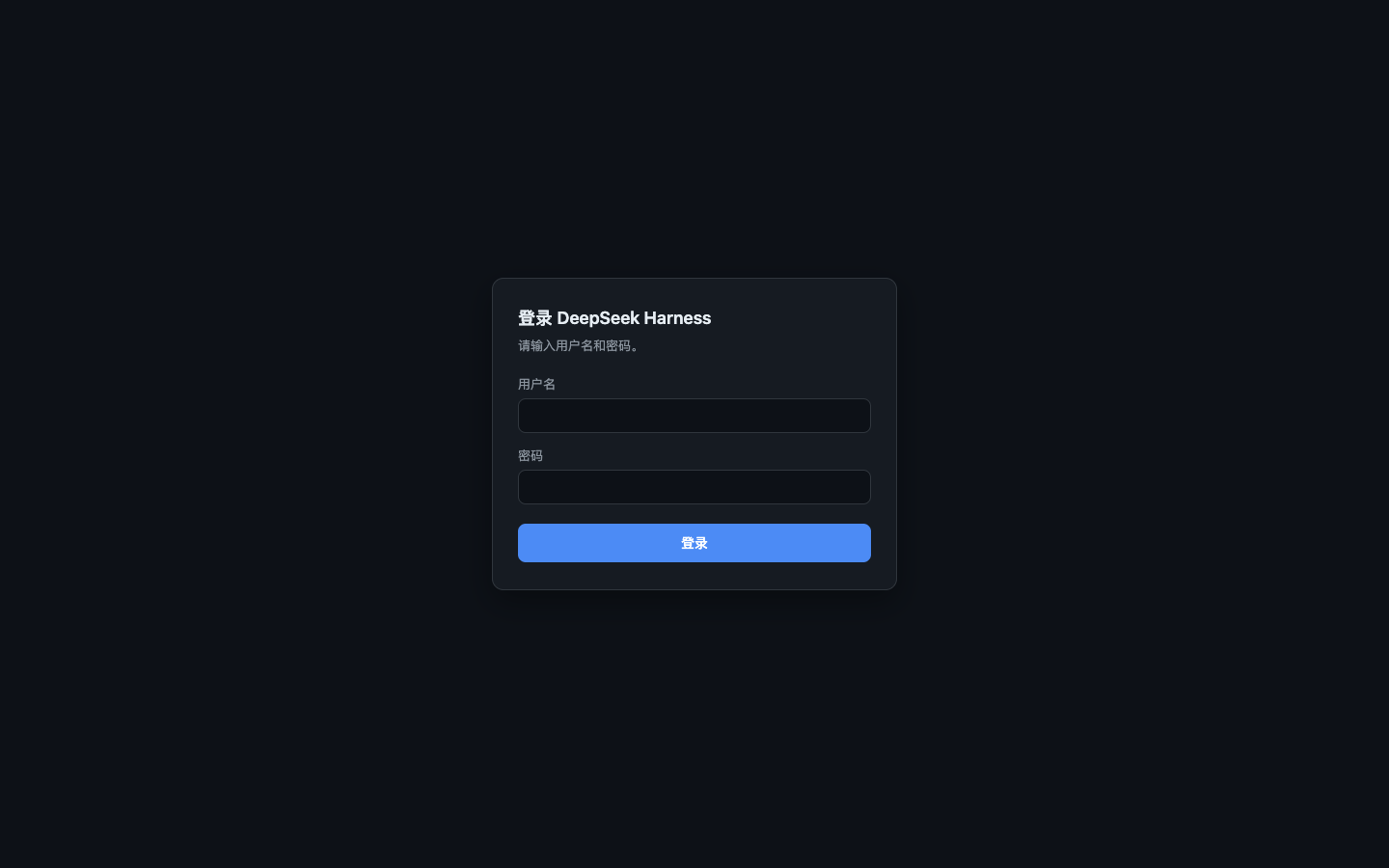
Adds account/password and TOTP MFA authentication to DeepSeek Harness, enabling secure remote access with in-browser workspace selection, multi-language, and light/dark theme support.
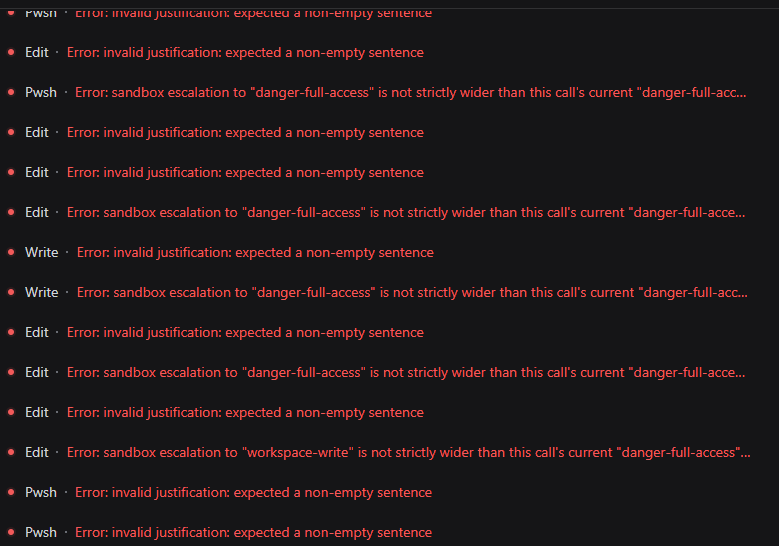
A zero-config plugin that projects session-aware tool schemas in DSH, removing invalid sandbox escalation parameters so third-party models stop retry-looping in All Access sessions.